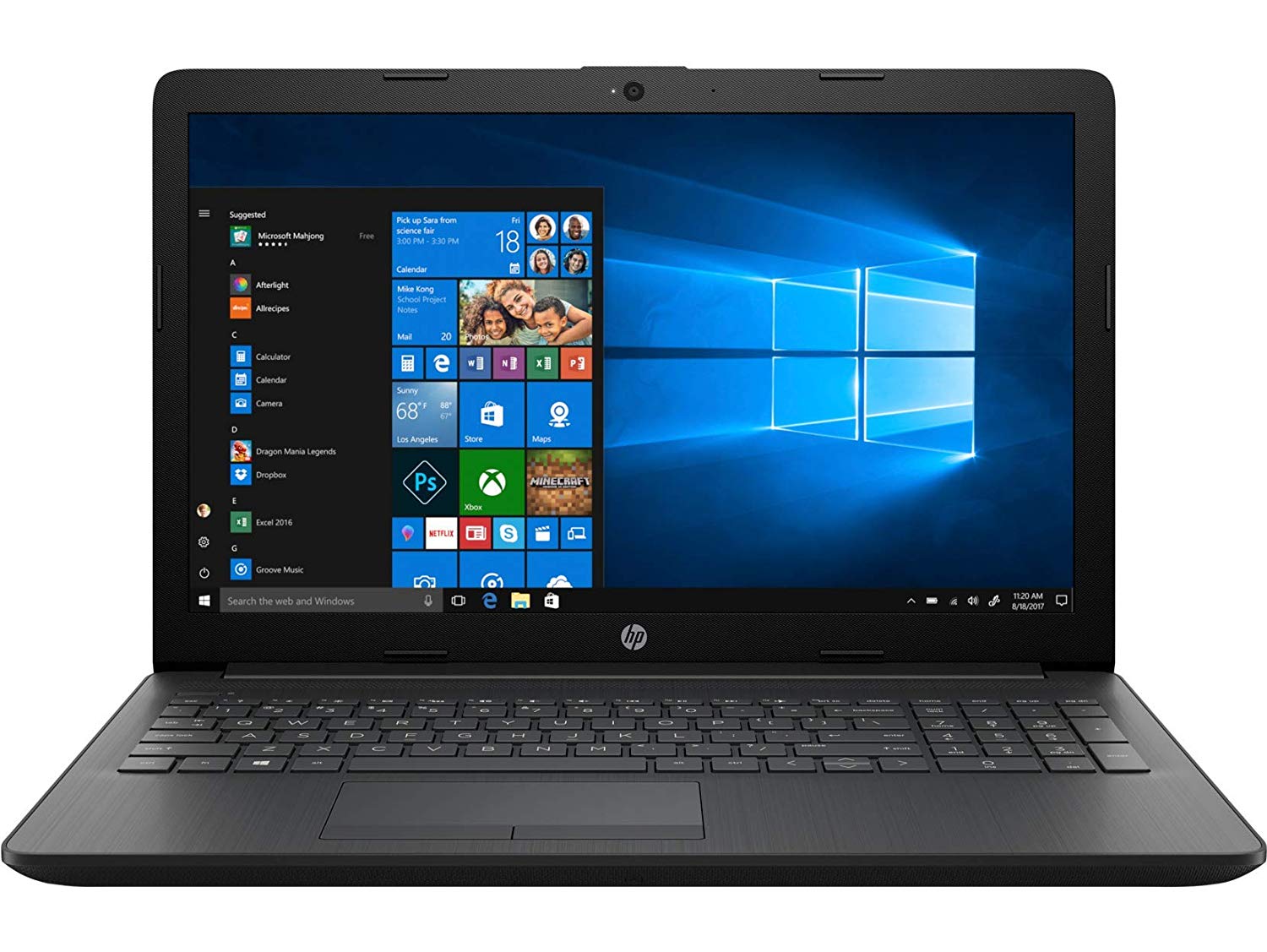
Laptops come in all shapes and sizes, but you can usually narrow it down to about four form factors:
• Large laptops (17" and above): These laptops only really have one thing in common: they're big and usually heavy. The cheaper ones are usually low-powered and useful for people that just want to watch movies on a bigger screen but don't plan on carrying it around. The more expensive ones are more geared toward gamers and professional photo or video editors and come with all the power you'd need to perform more complicated tasks.
• Midsize laptops (13"-16"): These laptops are your all-around, affordable laptops for the average user. They have a pretty big range in price and power, so you can almost always find what you're looking for. They're great for people that want a simple laptop but want a lot of USB ports, a CD drive, and other perks without paying a lot of money.
• Ultrabooks (Usually 14" and smaller): If you're willing to spend a bit more money for extra portability, you can get an ultrabook, which is a super slim, super light, moderately powerful machine built for the average user. They carry enough power for all your basic activities and maybe a bit of light video editing.
• Small laptops and netbooks (Usually 12" and below): These are ultra cheap, ultra portable, and ultra low power. They're really only good if you're looking for extreme portability, and are willing to sacrifice quite a bit of power to do so. Don't expect to do more than simple web browsing and email on these machines, and even then, you can expect it to have a bit of lag to it.
Most people right now are making the decision between a midsize laptop and an ultrabook, and it's a tough decision. Midsize laptops are going to offer you a ton of choices, so you may be able to find the perfect laptop there. That said, we're pretty stoked about ultrabooks, as they're virtually weightless and more than powerful enough for most people. If you're willing to plop down the extra cash and ditch the DVD drive (which you could always replace with an external one), they're worth a look.
Build Quality and Durability
Some laptops are built very well and others are made out of cheap plastic, feel flimsy. Sure you can read reviews, but heading into the store to look at models to find one that fits your standard of build quality is paramount. Don't forget to check out the laptop hinges to see if it opens and closes smoothly, and read reviews to find out how quickly they degrade over time.
Pay special attention to the trackpad and keyboard, since those are the things you'll need to use the most. How does the trackpad feel? Do your fingers glide over it easily, or is the mouse hard to move? Does it have a dedicated scroll bar, or is it multitouch-capable? Is the keyboard big enough to comfortably type on? Are there any keys in non-standard places that would make typing awkward for you (think of the backspace, shift, enter, and control keys here). Again, try it for yourself and read reviews to see how they hold up over time.
Battery Life
The more life you can squeeze out of your battery, the better, but unfortunately, battery life can be a bit hard to measure. The best you can do is look at the manufacturer's battery life estimations and read reviews to see whether their claims match up with real world experience. Some components—like newer generation processors and solid state drives—are particularly friendly to your battery life, too.
USB and Other Ports
How many USB ports do you want? Does it have an SD card slot for your camera's photos? What about Ethernet for when your Wi-Fi goes down? This can fluctuate a lot from laptop to laptop, and the smaller your laptop, the fewer ports it's going to have (ultrabooks are particularly low on ports, since they're so thin). You can always get a USB hub if you need more ports at home, or a USB SD card reader for your photos, but just know that the more ports you actually have on the computer, the more convenient it's going to be.
Other Considerations
Here are a few of the other less involved but equally important things you might want to look for:
Screen Quality: Check both the screen's resolution (higher is better) and its quality; it should be easy to see the difference when compared with the screen on a cheap laptop. Colors should be vibrant, and the monitor should have a wide variety of brightness settings that you can tweak from the keyboard.
Heat Production: Laptops can get very hot, especially if you're using them (improperly) on your lap. This is going to be something you can only really read in reviews, but keep an eye out for laptops that overheat even when they're used properly on a desk. Make sure that the laptop has rubber feet on the bottom that gives heat room to escape when set on a flat surface, and that it has good fan placement and airflow to keep everything running at a safe temperature.
A Webcam: If you plan on video chatting with friends and family, make sure your laptop comes with a built-in webcam. Most should, but not all will, and this is an easy component to forget.
Upgradability: Most laptops aren't going to be very upgradable. You can usually replace the RAM and maybe the hard drive, but other than that, don't plan on changing any of the hardware. Double check how upgradable a given computer is, though, and whether you void the warranty by doing so. Also check how easy it is to open for things like cleaning the fan, which can often be a herculean task on laptops.
lifehacker.com
Related story
Chinese national arrested with laptop parts smuggled to evade t...